> For the complete documentation index, see [llms.txt](https://docs.ethernity.cloud/llms.txt). Markdown versions of documentation pages are available by appending `.md` to page URLs; this page is available as [Markdown](https://docs.ethernity.cloud/hardware-affiliate-program/node-operator/login.md).
# Login
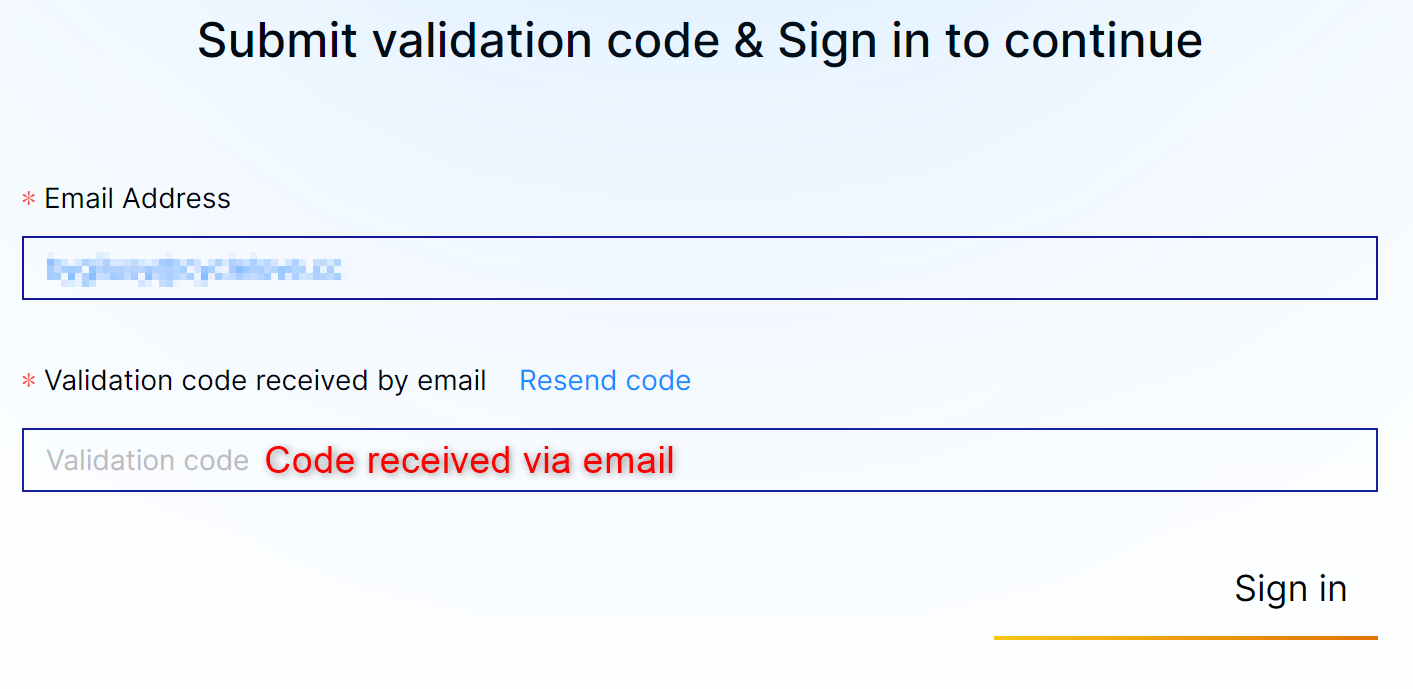
Once an account has been created just Login as shown below
After clicking on *Sign in* button you have to check your email address and you should receive an email with an *Authentication Code* as shown below.
You need the above code to login into your account. Please bear in mind that is only valid for 3 minutes. You'll need another one if the code is not used in time.
Once the log-in sequence is completed let's head to the [KYC ](/hardware-affiliate-program/node-operator/kyc.md)process.